The Brief:
Build a real-time interactive motion piece using the MediaPipe plugin in TouchDesigner
The Goal:
Build an interactive project that is both fun and relatable.
My creative solution:
Being a Motion Designer here at Ringling is such a unique experience filled with ups and downs, so I wanted to bring a bit of our daily experience as MD students to the viewer!
What is MediaPipe?
MediaPipe is a plugin for the TouchDesigner software that allows users to direct audio and visuals using data that tracks anchor points on the body. It could be used with facial, hand, arm, and body tracking, but for the purpose of this project, I brought my constraints down to just my fingers. Following the tutorials by Torin Blankensmith, I advanced through the varying complexities of this plugin.

My Process
A Tangle of Nodes
TouchDesigner is a node-based procedural software that allows users to modify every little detail. This process took a while to get used to, but it all started making sense eventually!
My Controls
I wanted controls that felt both easy to use and intuitive to follow. For this, I used my hand 1 data to create a rotation control that would bring the user to the next visual, and my hand 2 data to create a midpoint pinch distance control that would allow the user to reset and play the videos.

With my piece being based on the student experience, I wanted to use techniques we have learnt here in Motion Design. I made hand-drawn Cel animations of the blinks and the coffee pour, and used keyframe animation in AfterEffects to create the word vomit. I recorded the audio myself, sourced some from FreeSound, and edited them to fit my assets.
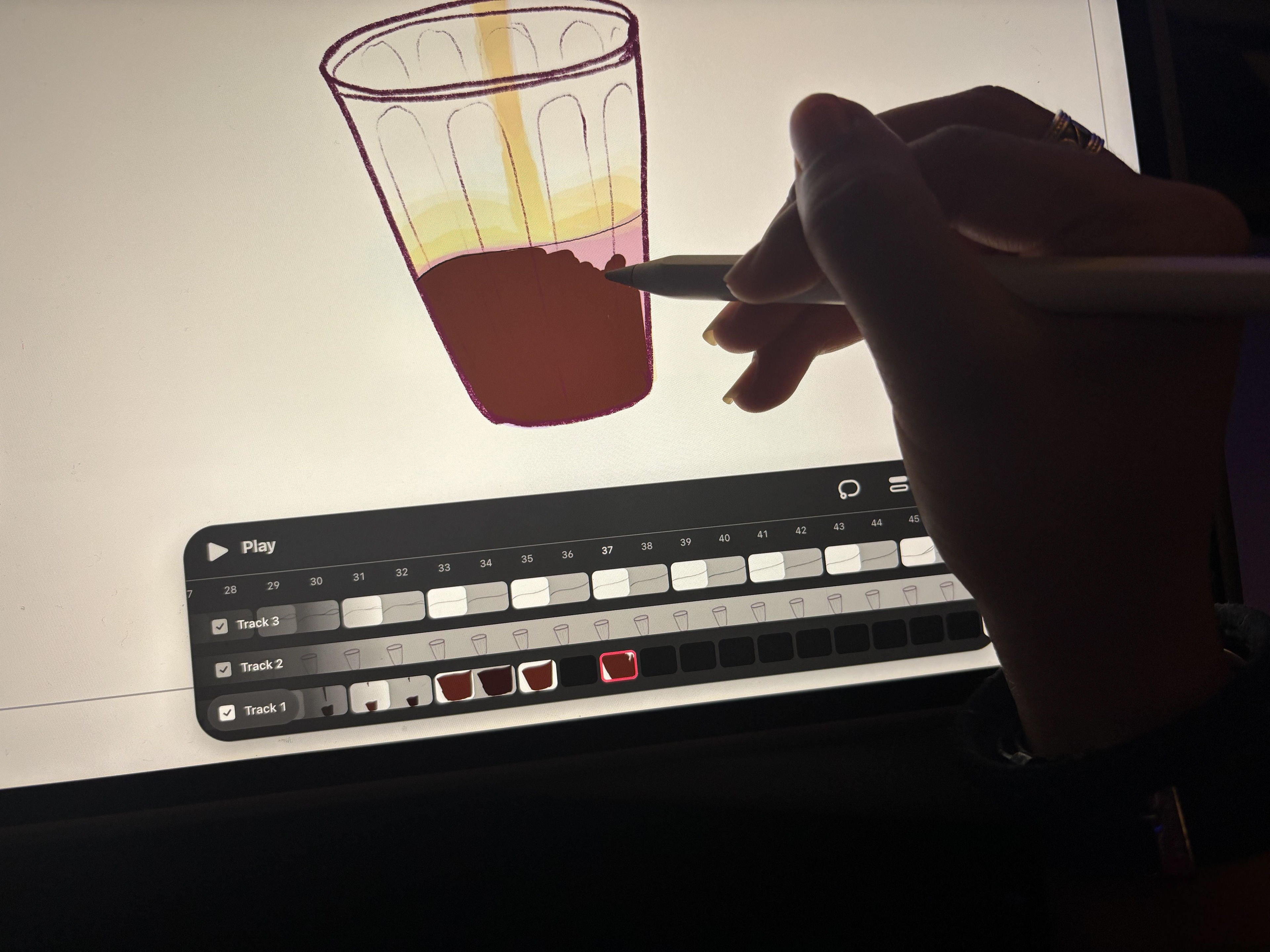
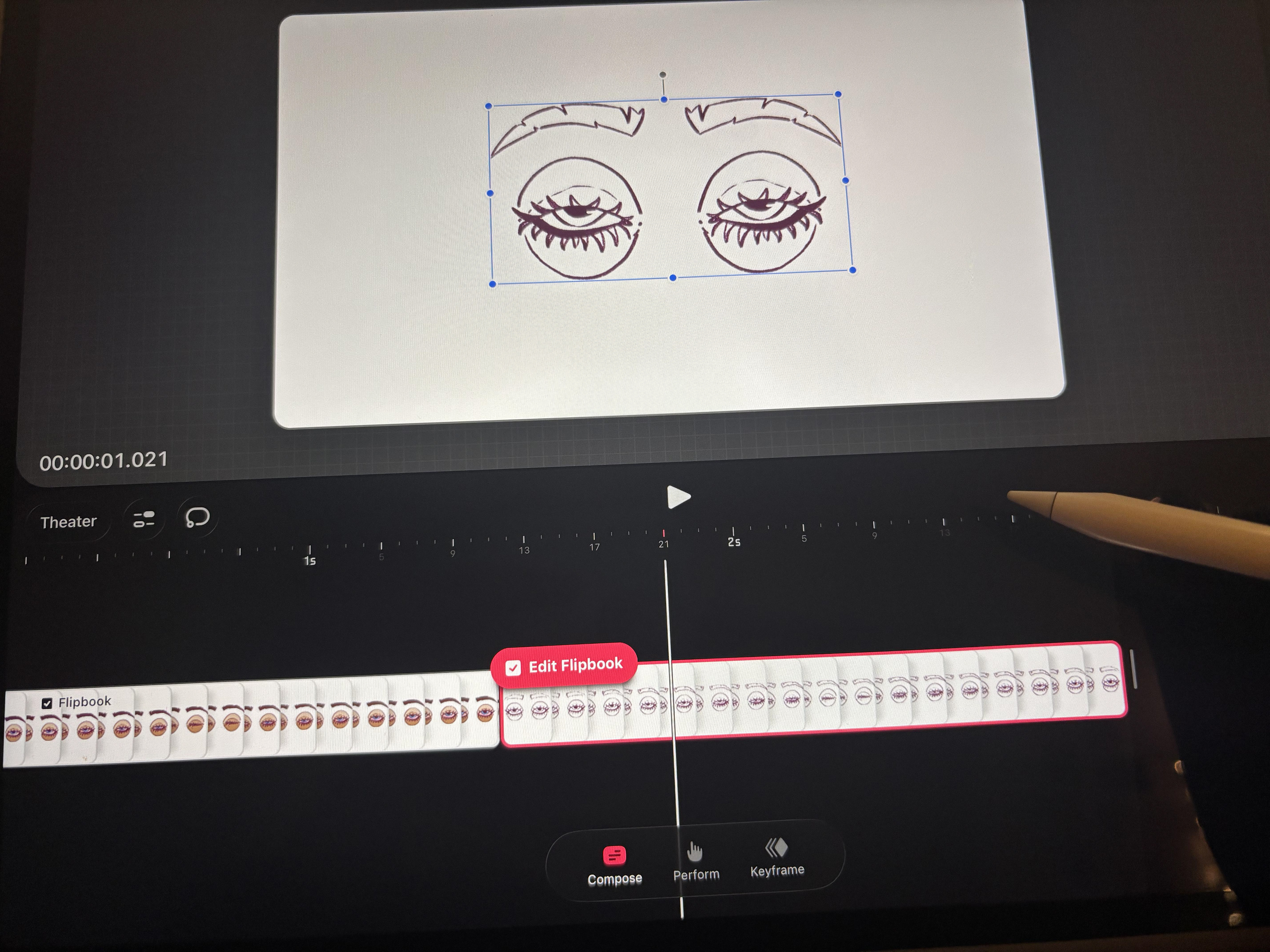
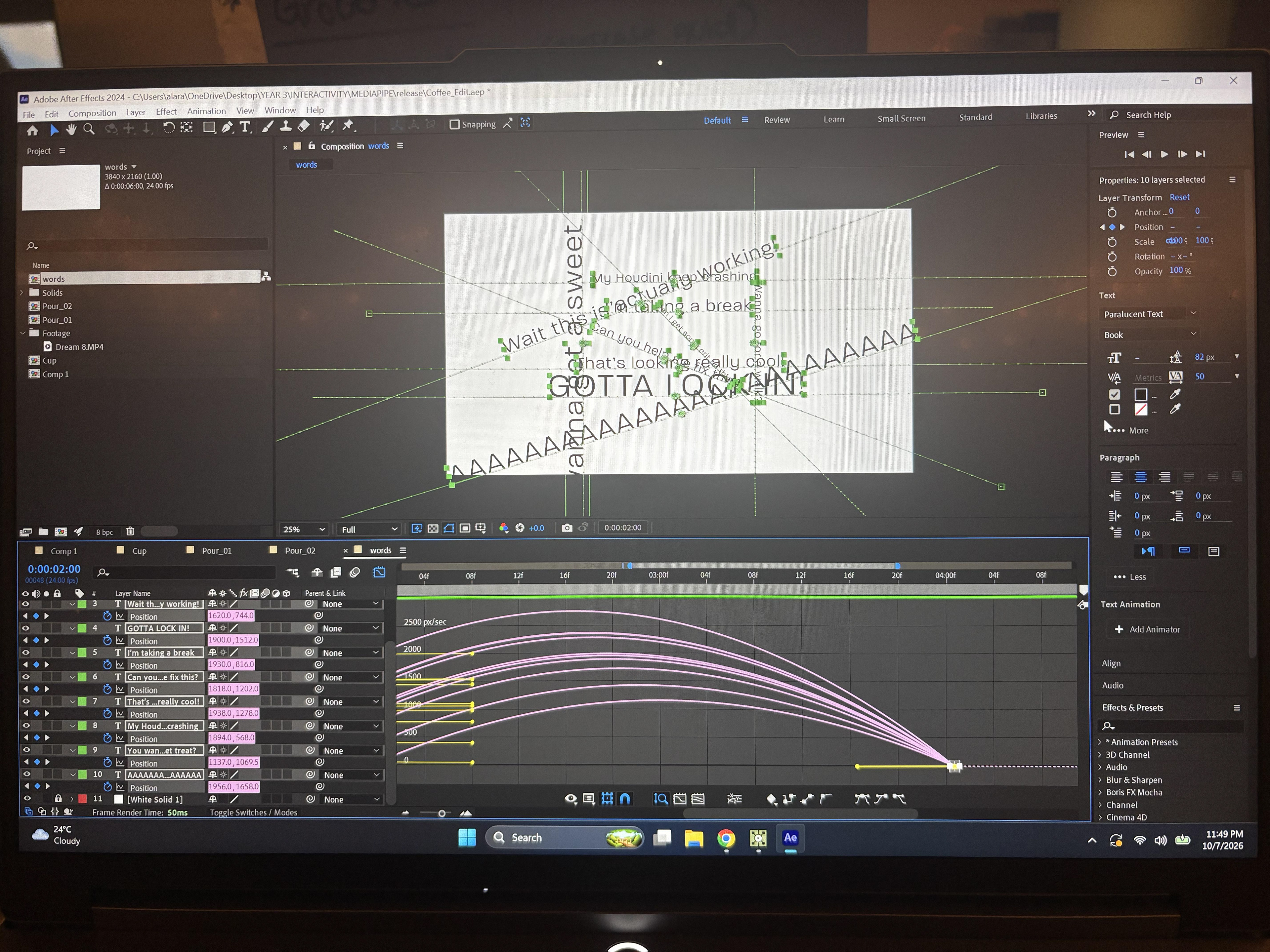
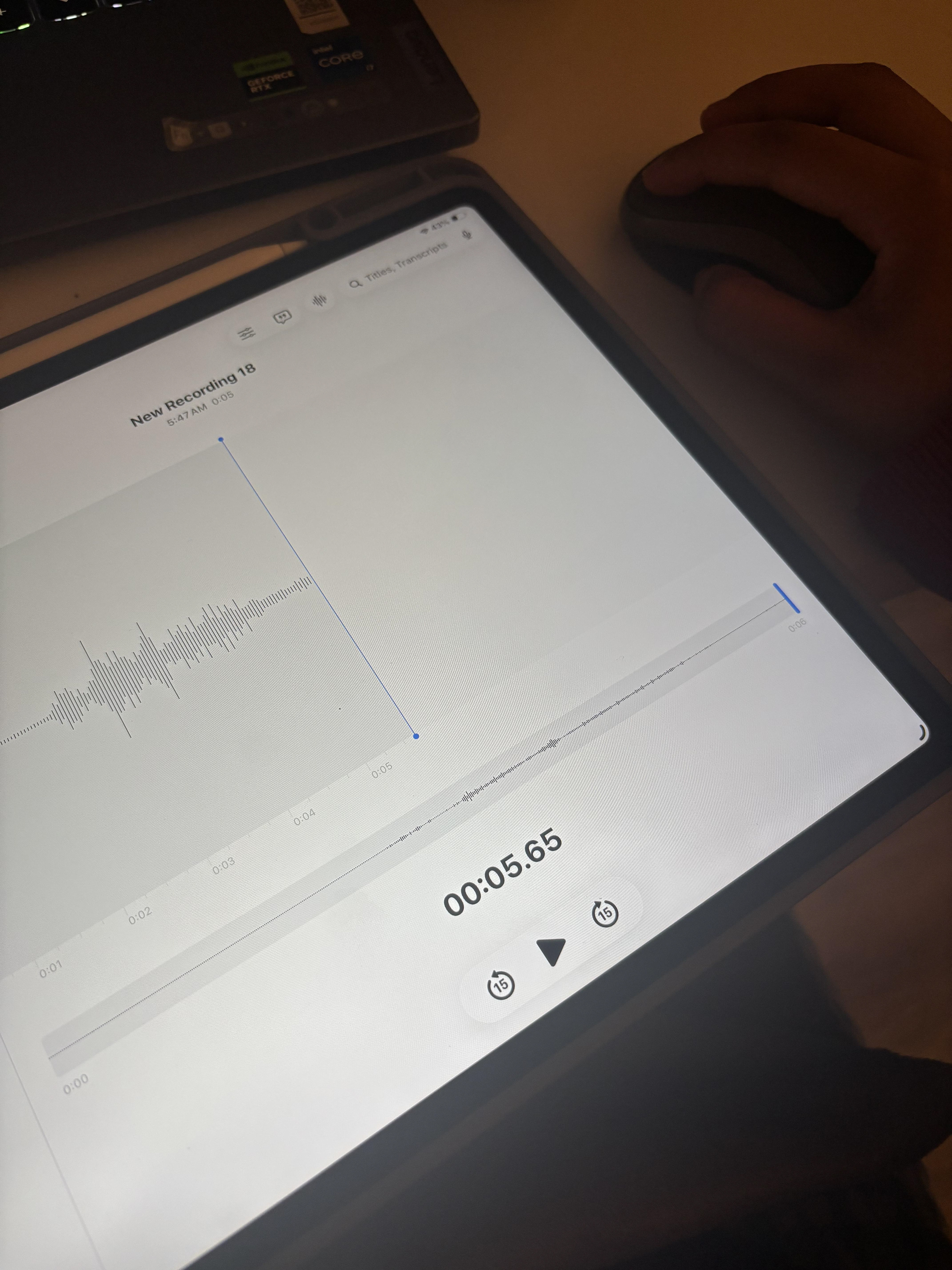
Here are my individual animations!
Some Improvisations and modifications I made to the guided tutorials:
In order to achieve the look and function I was going for, I needed to modify Torin Blankensmith's guide to tailor it to my project. One of the things I changed was that I was working exclusively with video and audio files, and so I had to figure out how to link the audio to its respective visual. For that, instead of using just an AudioFileIn CHOP, I used AudioMovie CHOPS so I could use the same files as my videos, as I had already synced up the sound effects to my visuals. This meant I also had to add an additional Switch CHOP to manage the output audio to match what the viewer was seeing.
THANK YOU FOR VISITING!